Hellosaurus Creator Studio | Interactive Video Authoring Tool
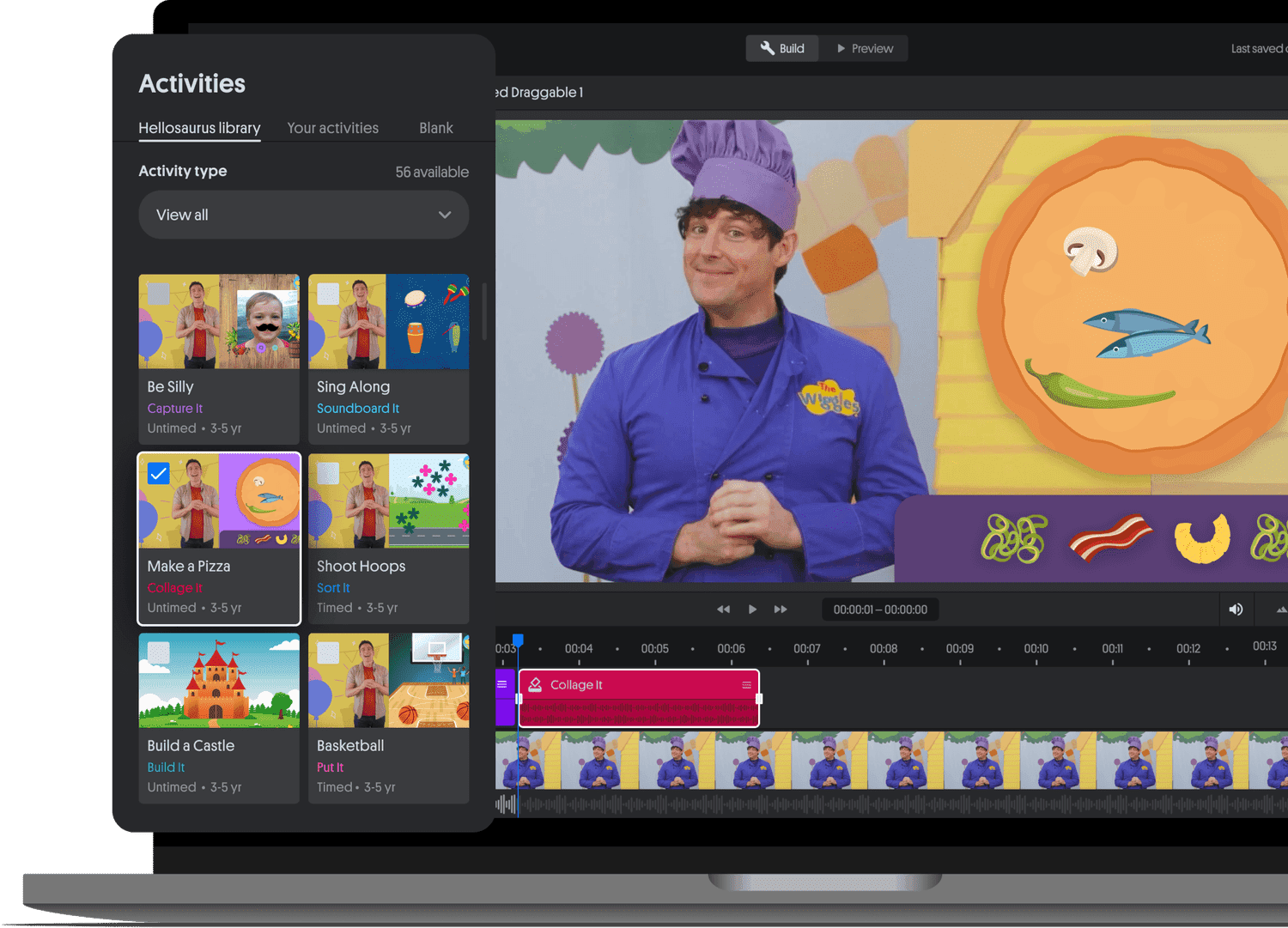
Interactivity is proven to increase engagement and comprehension in children, yet until now, interactive content has been reserved only for large-scale production studios with big budgets.
The Hellosaurus Creator Studio enables anyone to easily make their content interactive, leading to more learning experiences for kids to enjoy.
The result is an extremely unique format that blurs the line between a video and a game that both creators and kids love.
[Aquired by Brilliant.org in 2022]
Role:
Senior Product Designer
Year:
2021-2022
Duration:
1 Year
Team:
CEO, Senior Product Designer, 2 Unity Developers, External Agency
Deliverables:
Stakeholder Interviews, User Testing, Data Analysis, Prototypes, Final Designs
Problem
Solution
Key Insight
Interactive layers transform passive video into active learning.
Key Insight
Scalable authoring systems unlock the value of existing content libraries.
Do Its
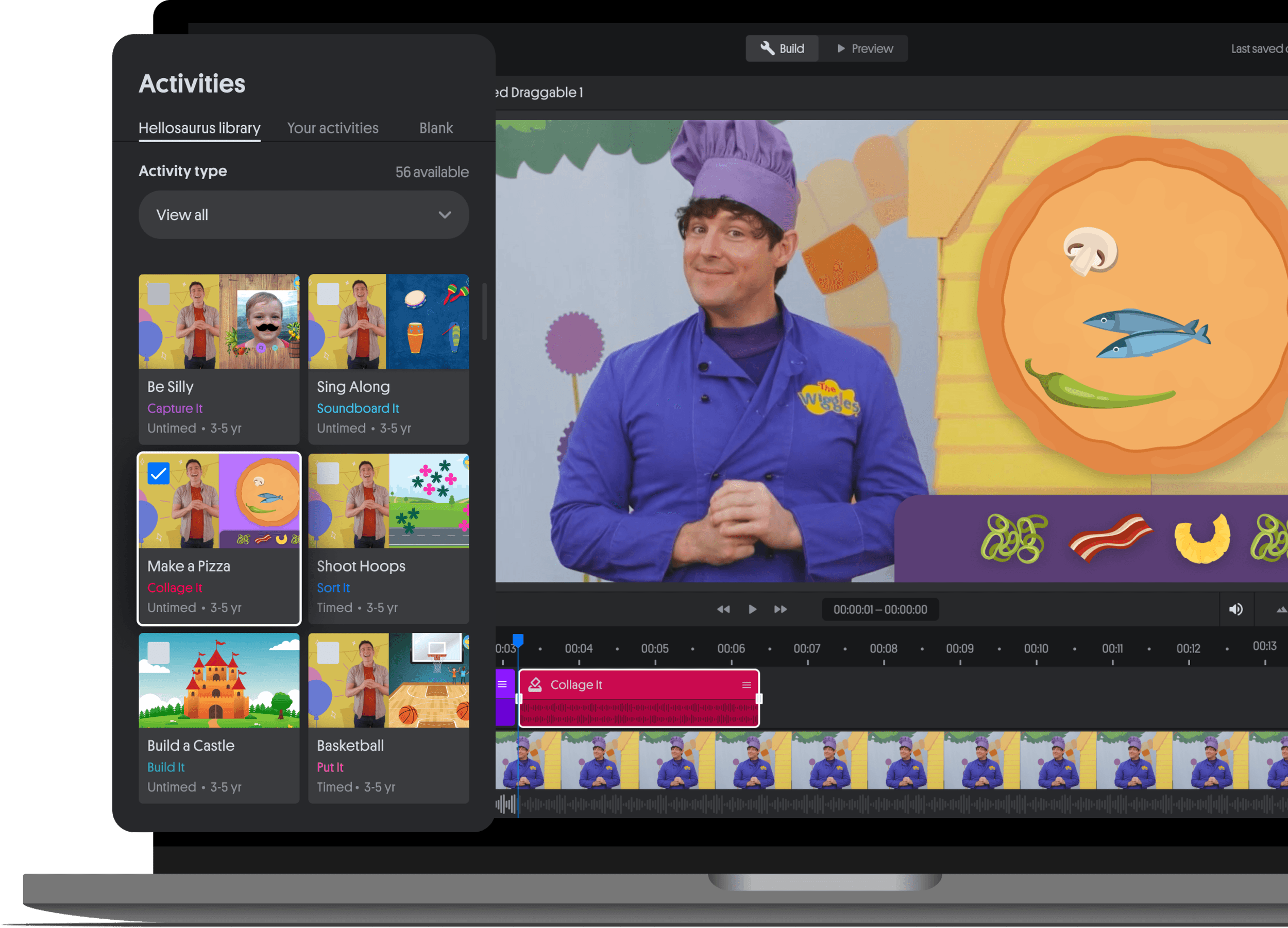
Interactive layers based on time-tested play patterns
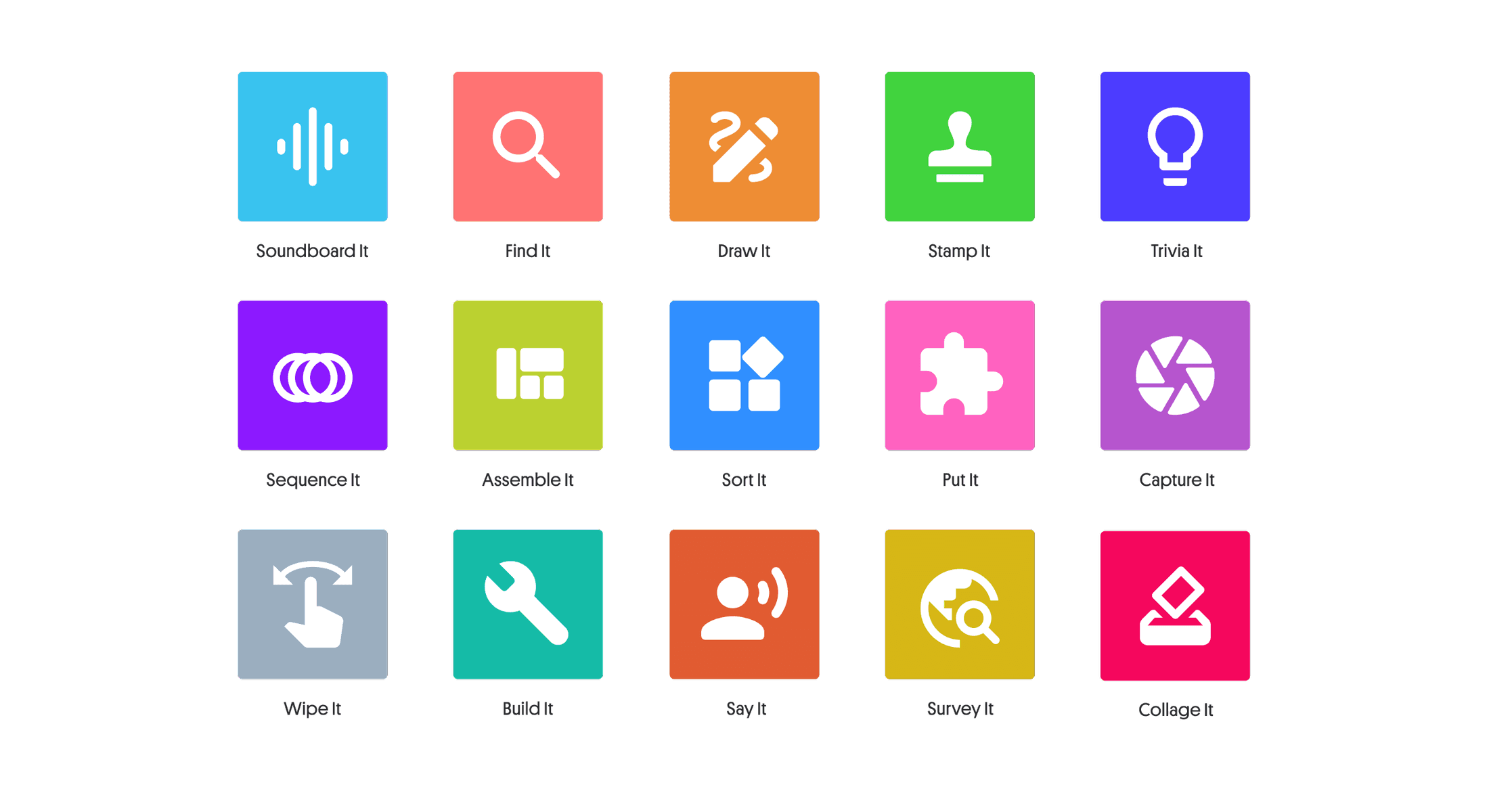
Do Its
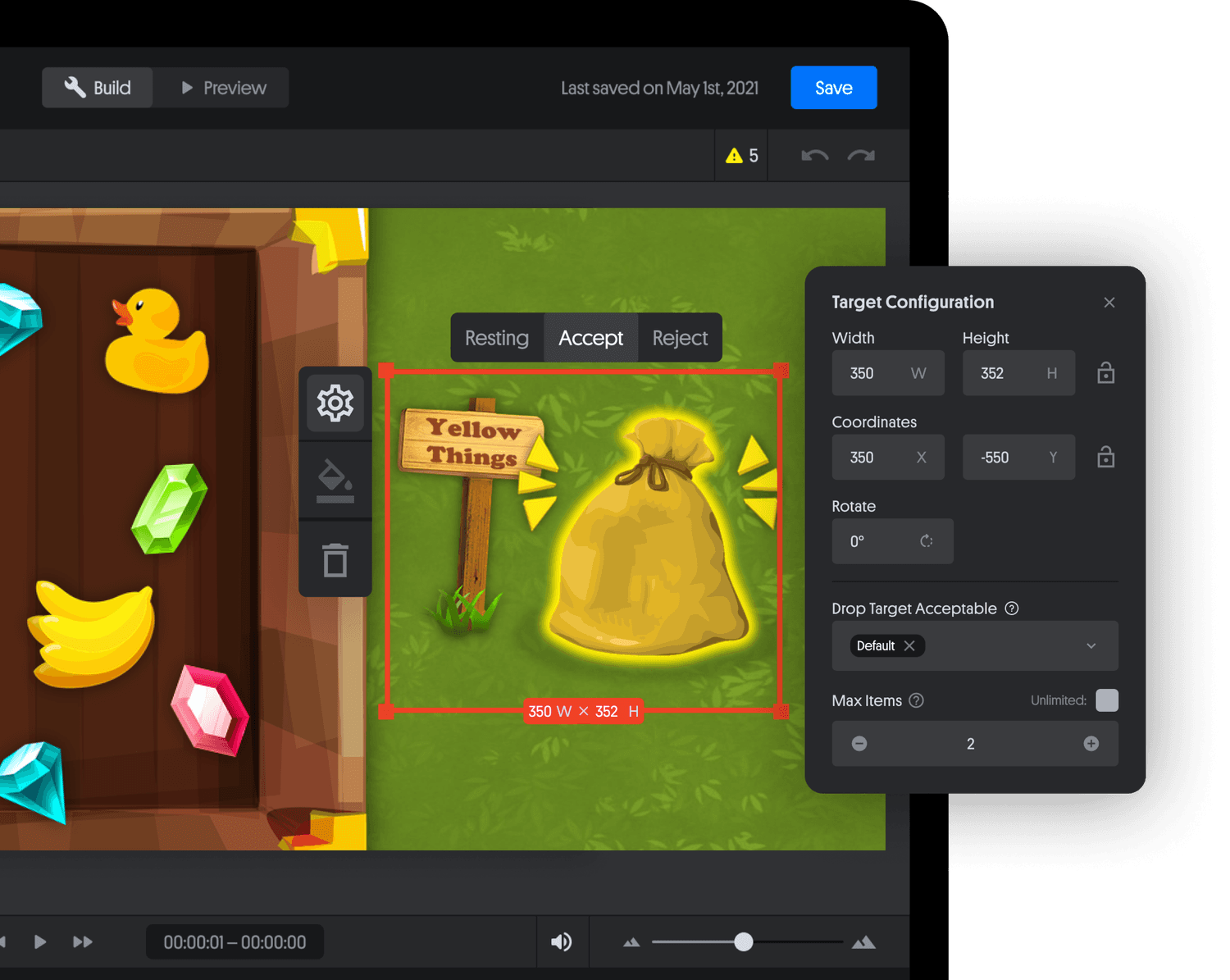
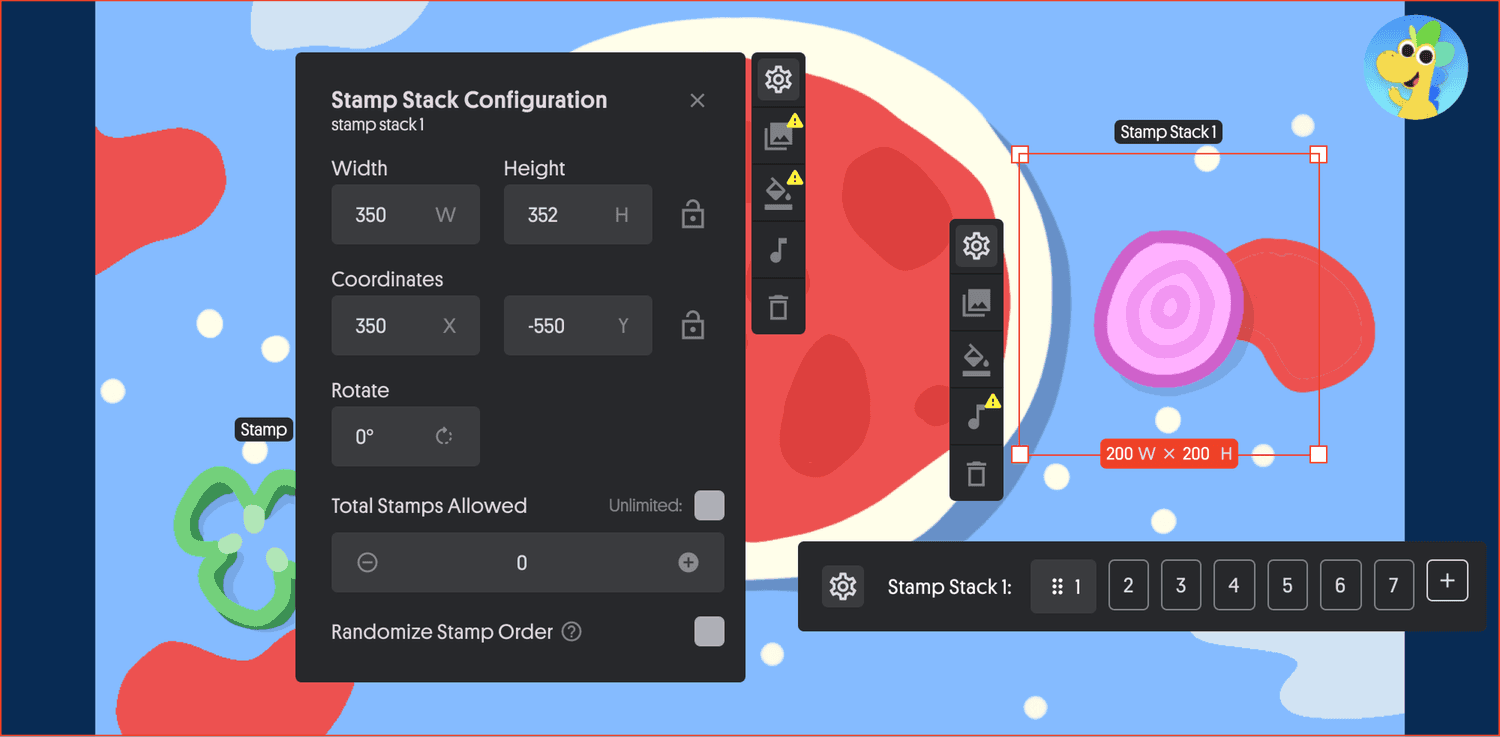
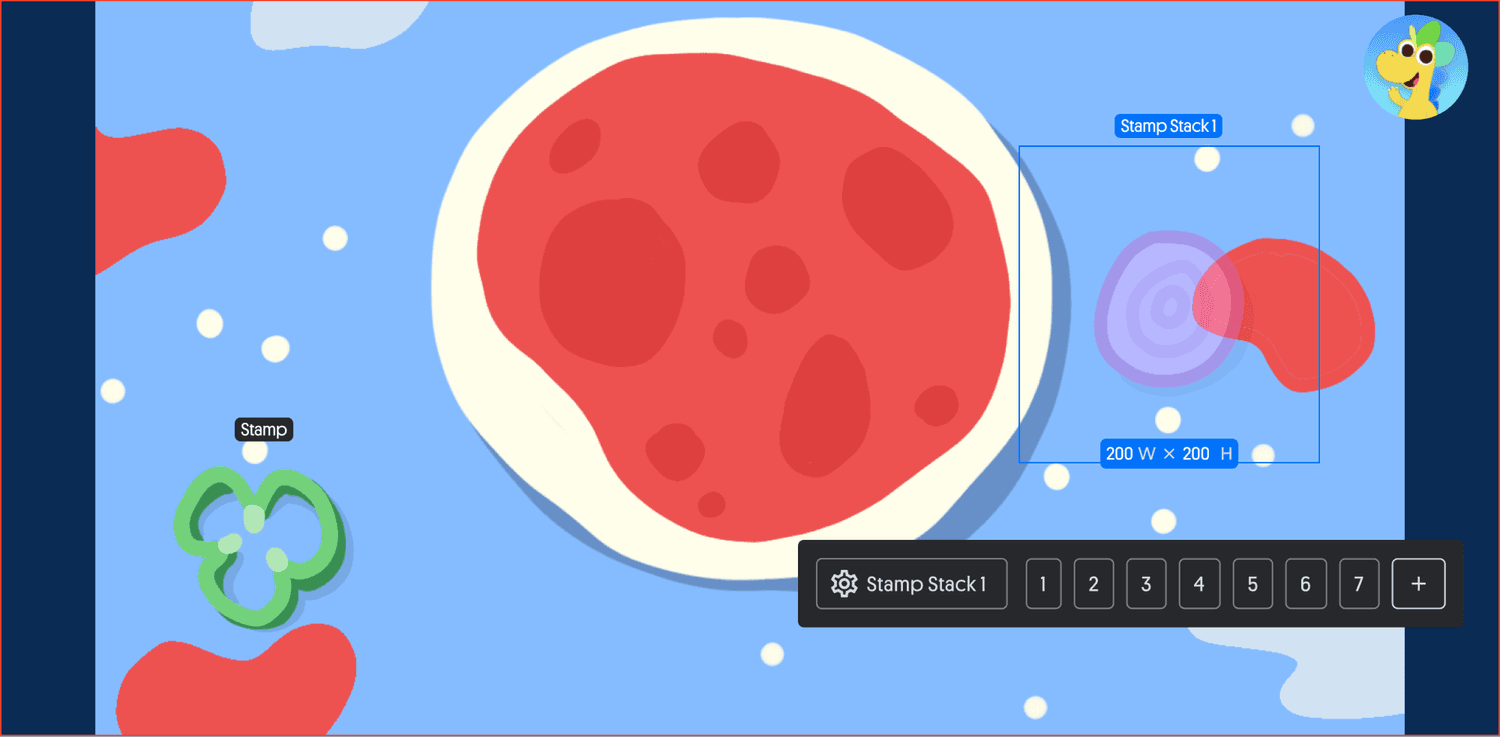
Stamp It Detail
Move, scale, or rotate stamps using direct manipulation on canvas or precise controls in the Stamp Stack panel
Add sound effects, background colors, and visual feedback to reinforce interactions and support expressive responses
Curate stamp order or enable randomization to create structured sequences or playful variation in activities
Control the number of stamps available to scaffold difficulty, guide pacing, or support open-ended exploration
Do Its
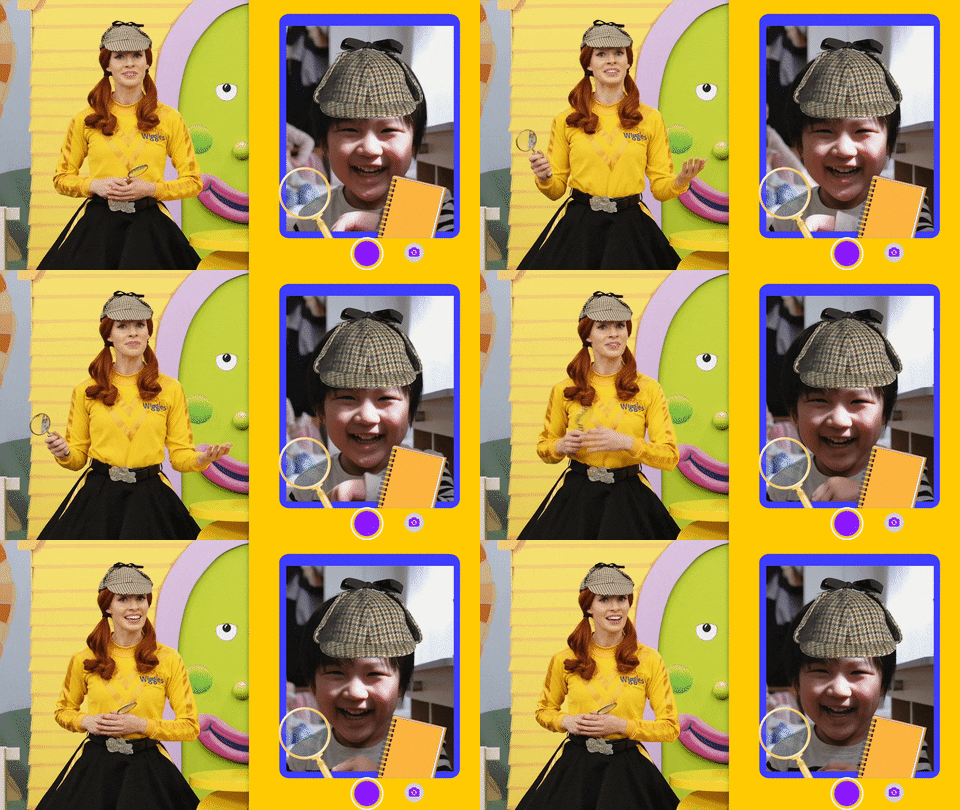
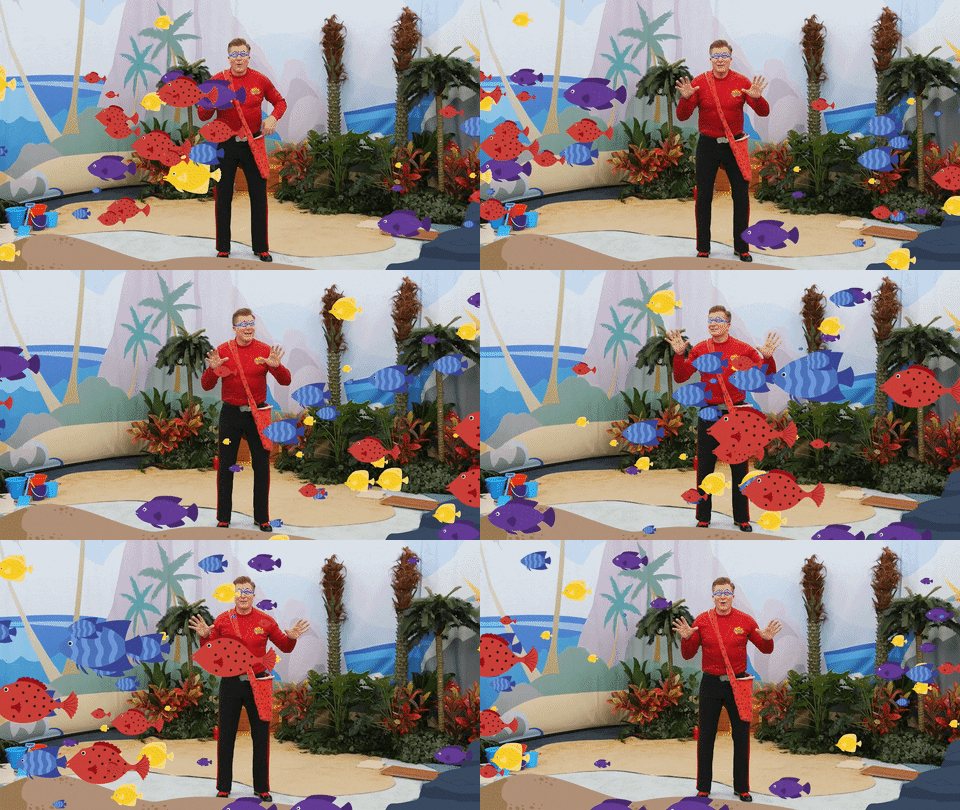
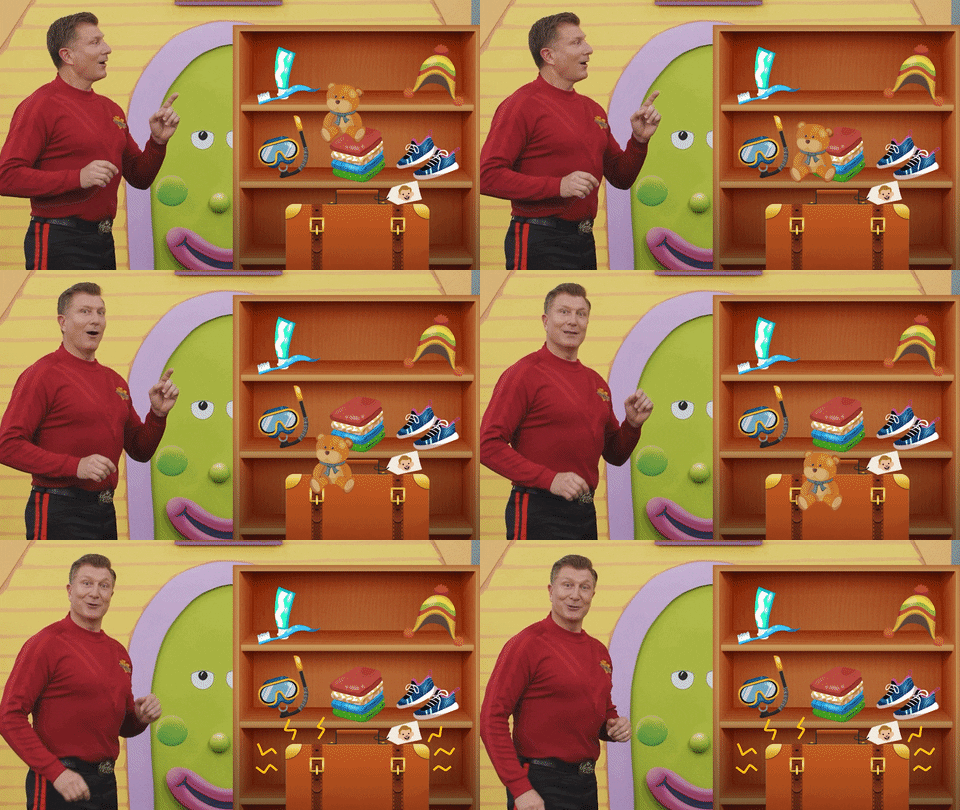
Output Examples
Assets
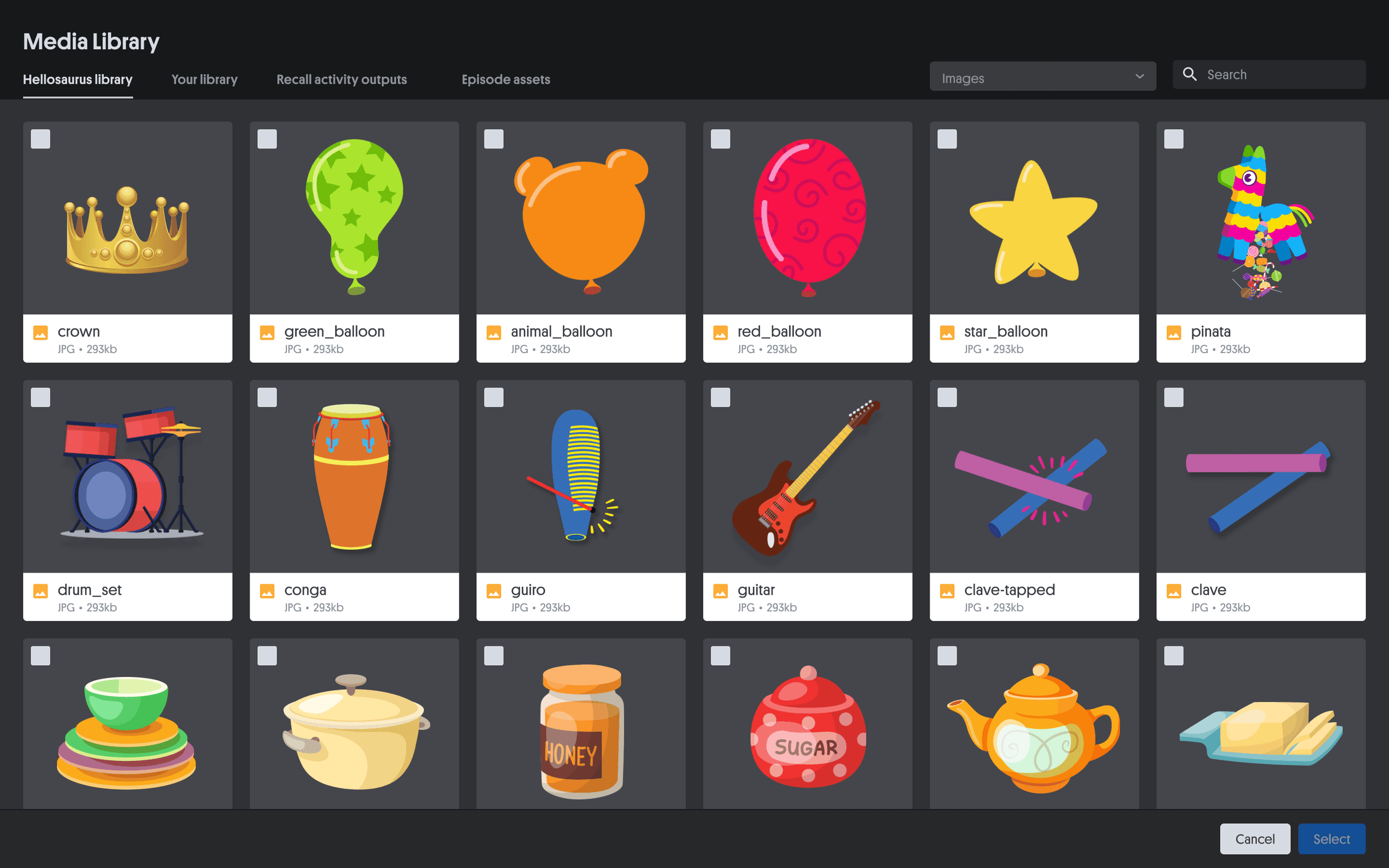
Media Library
Quickly browse, search, and organize brand assets within a centralized Media Library
Upload custom assets or select from the built-in Hellosaurus collection to maintain visual consistency across activities
Streamlined asset reuse across projects to reduce production time and support scalable content creation
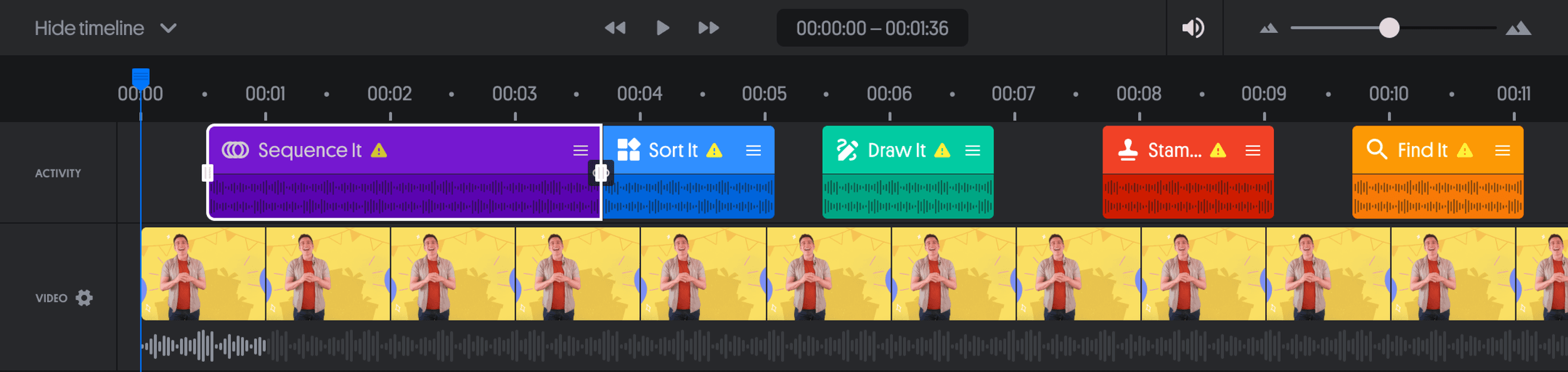
Timeline
Fine Control of Activities, Video, and Audio
Used a familiar timeline editing pattern to make advanced sequencing accessible to non-technical creators
Color-coded “Do Its” and separated activity, video, and audio layers to clarify structure and timing at a glance
Enabled direct selection and editing of activities alongside quick access to video settings such as trim points and playback offsets
Supported scrubbing, zooming, and collapsing layers to preview interactions in real time and manage complex sequences efficiently